Let pull requests move your issues
Coming back to GoalTrack to move the issue by hand every time a developer opens or merges a PR is easy to forget. Then the issue list and project progress lag behind reality. Connect your repository, and issues follow their pull requests on their own.
Set up — once
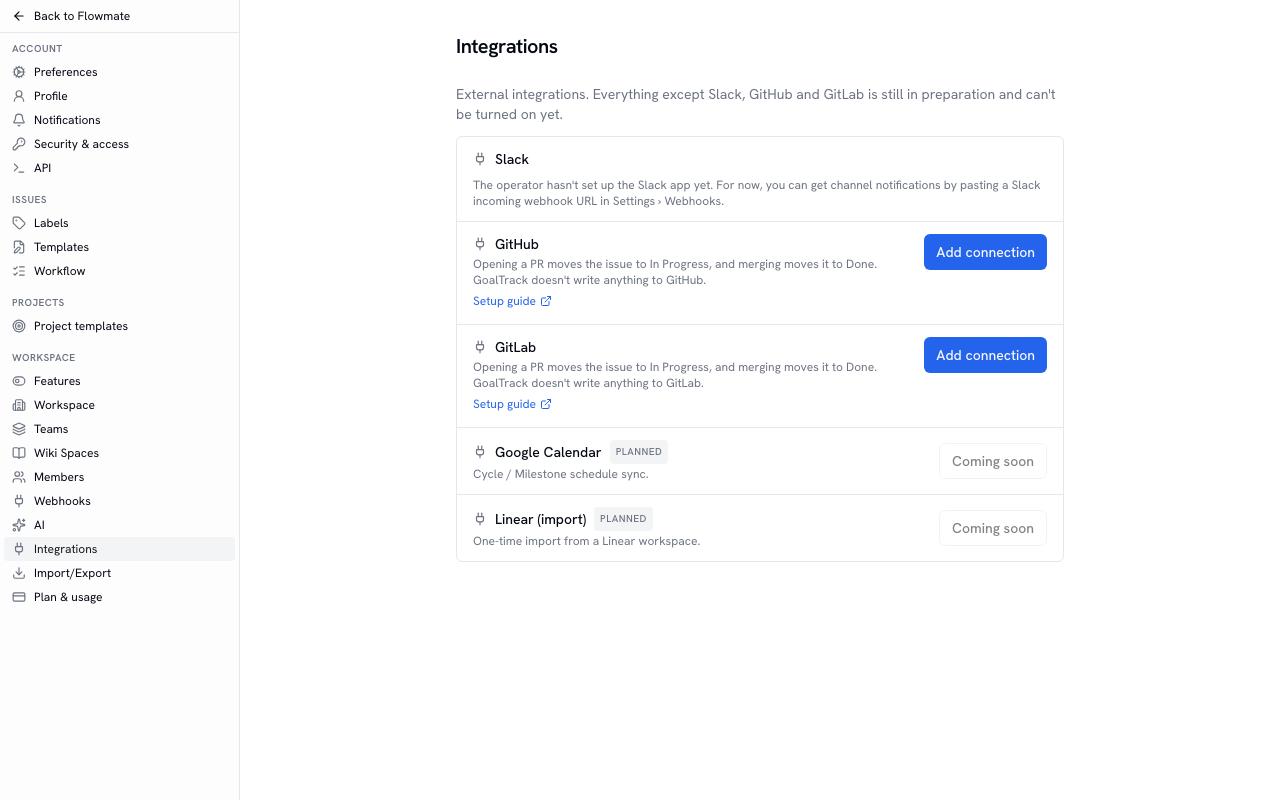
Section titled “Set up — once”A workspace owner or admin clicks Add connection on the GitHub (or GitLab) card in Settings › Integrations, then pastes the receiving URL and secret it shows into the webhook settings on GitHub or GitLab. For events, choose only Pull requests on GitHub or Merge request events on GitLab. The full steps and how to read the connection status are in Connecting GitHub · GitLab.
A day’s flow
Section titled “A day’s flow”- When you pick up an issue, use Copy branch name (⌘/Ctrl + ⇧ + .) on the issue page to get a branch name that contains the issue key, and create the branch. Example:
eng-12-fix-login - Open a PR, and the issue moves to the team’s first “started” status (for example In Progress), and a PR card appears in the Development section of the issue page. Click the card to go to that PR on GitHub or GitLab.
- Merge after review, and the issue moves to the team’s first “completed” status (for example Done). The issue’s activity tab records that the GitHub or GitLab integration moved it.
Because nobody has to move issues by hand, the progress of the projects and initiatives those issues belong to moves with your pull requests too.
When issues do not move
Section titled “When issues do not move”- Draft PRs — only the card appears; the status stays. Mark the PR ready and the issue moves to in progress.
- PRs that only reference the issue — if the body only says something like
Refs ENG-12, only the card appears. - PRs from outside contributors — nothing changes when they are opened; the issue moves to done when a maintainer merges.
- After a person changed the status — pushing to the same PR or editing its title does not move it again. An issue that is already done is never moved back to in progress.
Where to write the issue key so it links (branch name · PR title · Fixes ENG-12 in the body) is laid out in a table under Linking issues and pull requests.